SiteSEO – SEO Simplified
Unlock Your Website's Potential with SiteSEO
SiteSEO – SEO Simplified is a powerful WordPress plugin designed to enhance your website's visibility in search engine results. With over 500,000 active installations, it has quickly become a trusted tool for both novice and experienced website owners looking to optimize their online presence. This plugin streamlines the SEO process, making it accessible and effective for anyone who wants to improve their site’s ranking and attract more visitors.
Whether you're running a blog, an e-commerce site, or a business website, SiteSEO provides essential tools like meta-description optimization, schema markup, and XML sitemaps to help you maximize your site's potential. By simplifying complex SEO tasks, SiteSEO empowers users to implement best practices without needing extensive technical knowledge, ensuring that your content gets the attention it deserves in search engines.
Key Features of SiteSEO
- Meta-Description Management: Easily customize meta-descriptions for each page to improve click-through rates.
- Schema Markup: Automatically add structured data to your content to enhance visibility in search results with rich snippets.
- XML Sitemap Generation: Create and manage XML sitemaps effortlessly, ensuring search engines can index your site effectively.
- User-Friendly Interface: Designed for ease of use, making SEO accessible for everyone, regardless of technical expertise.
- SEO Analysis: Receive actionable insights and recommendations to improve your site's SEO performance.
- Regular Updates: Stay current with the latest SEO practices through continuous updates and improvements.
Installation Instructions
To install SiteSEO – SEO Simplified, follow these steps:
- Go to your WordPress admin dashboard.
- Navigate to Plugins → Add New.
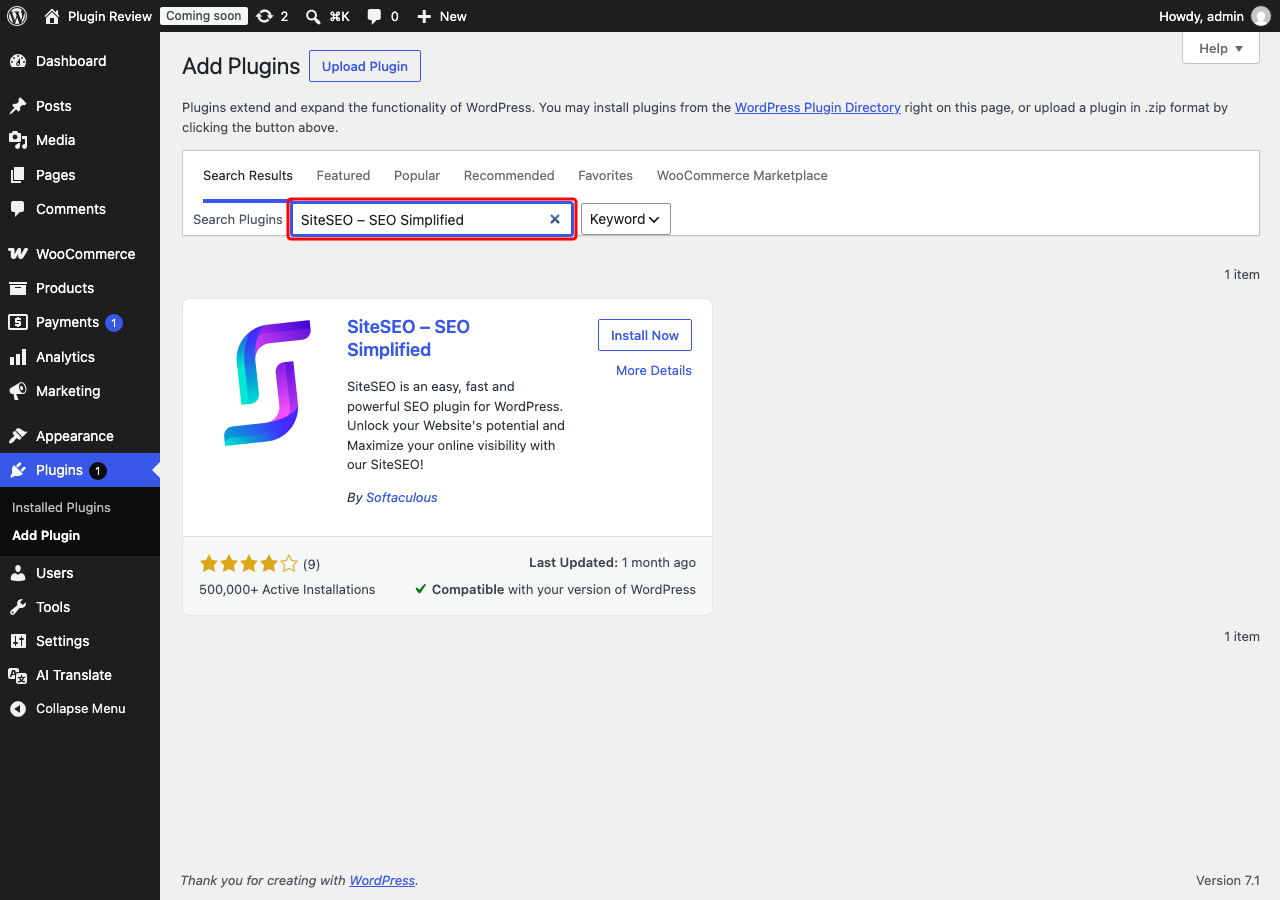
- In the search bar, type SiteSEO – SEO Simplified.
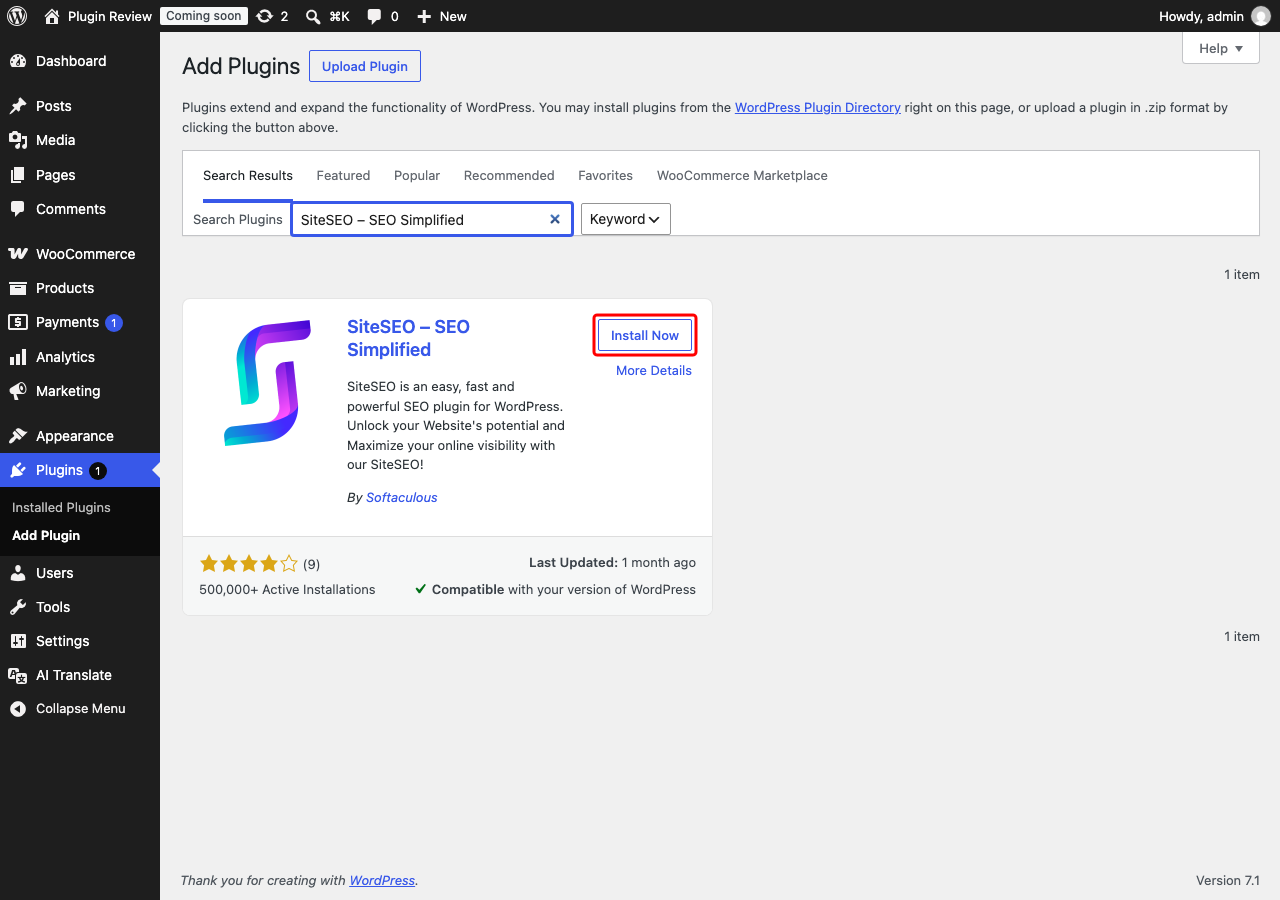
- Click Install Now on the plugin.
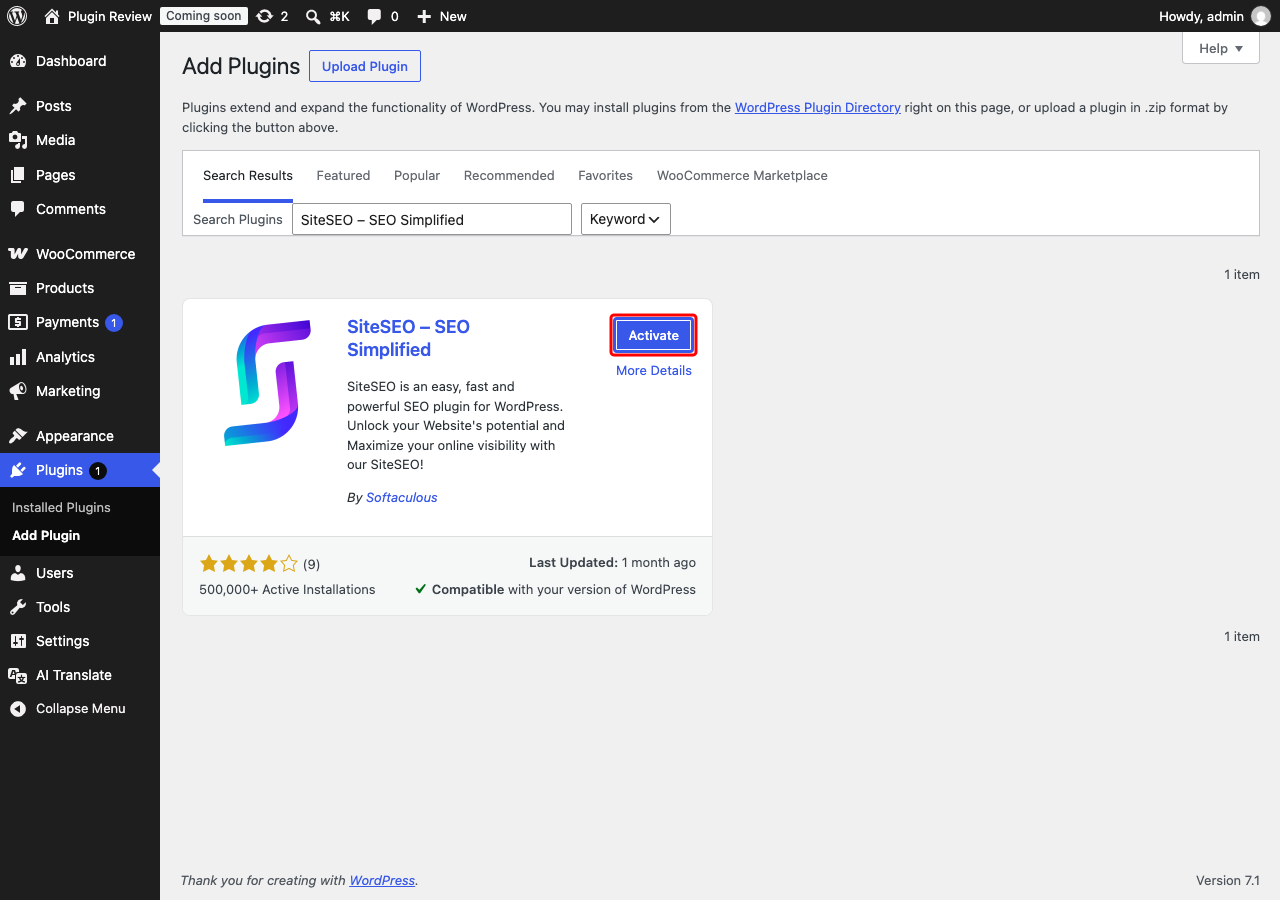
- After installation, click Activate.
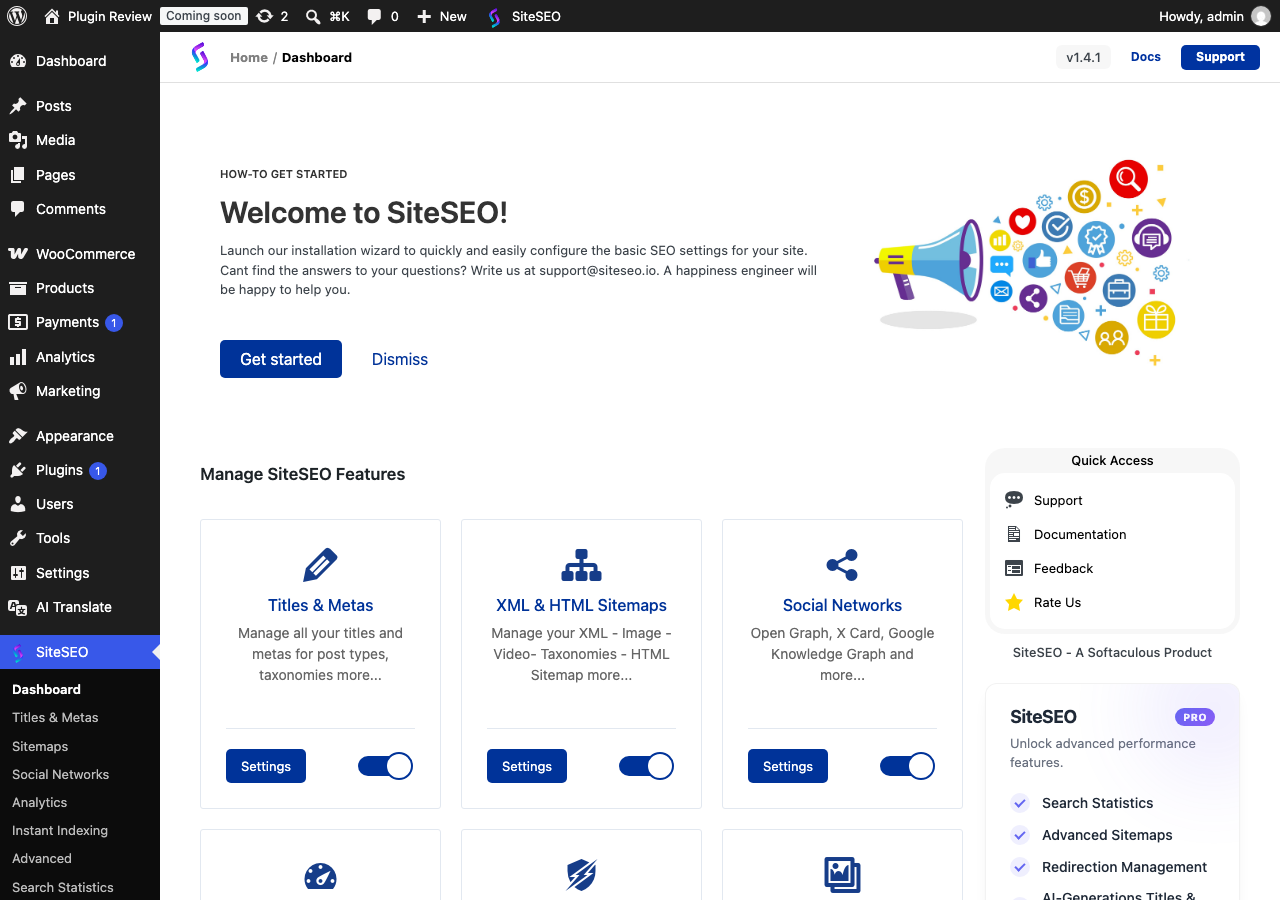
Once activated, you will find the SiteSEO options in your admin menu, ready to help you optimize your website.
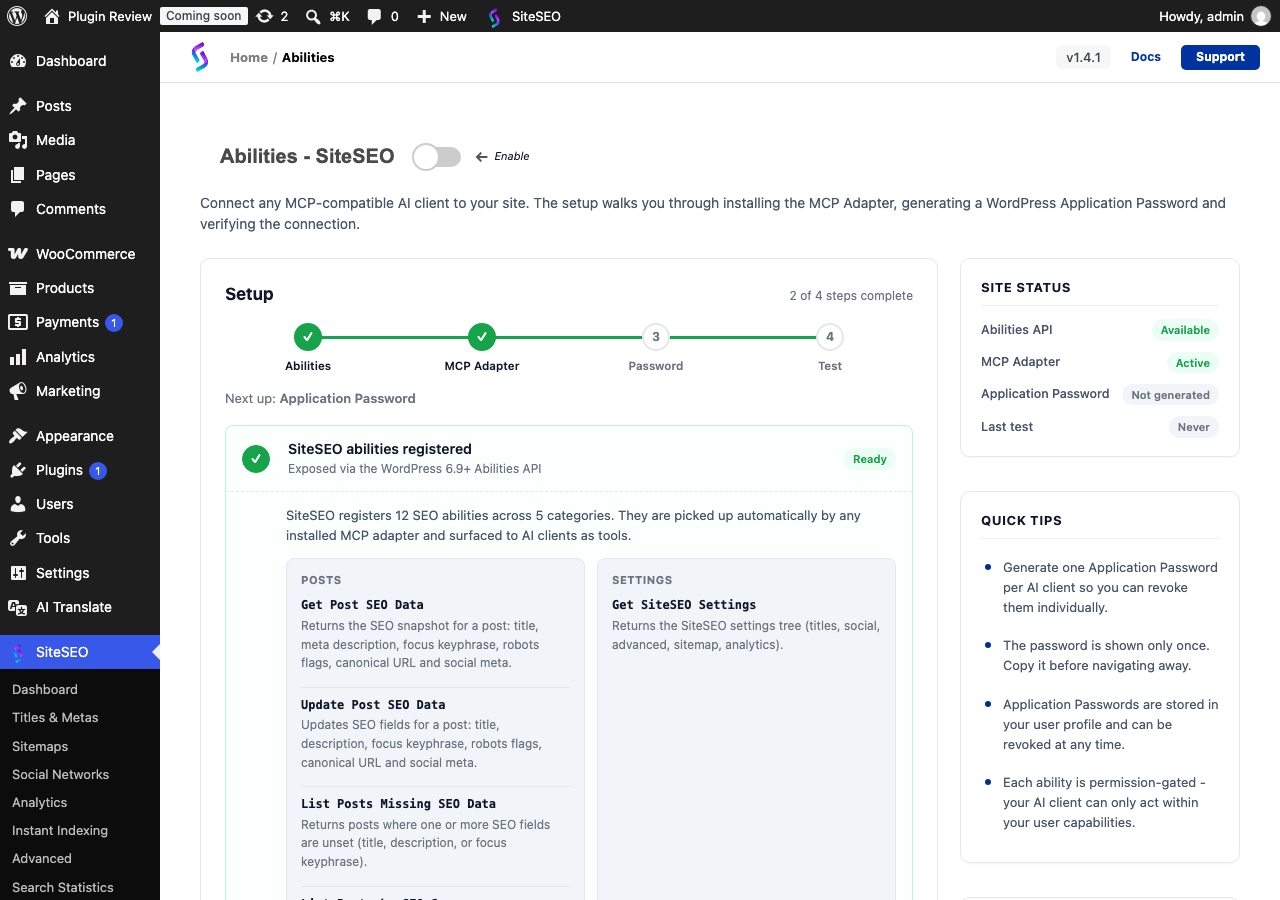
Admin Panel Before Translation
After installing SiteSEO – SEO Simplified, the admin interface is displayed in English by default.
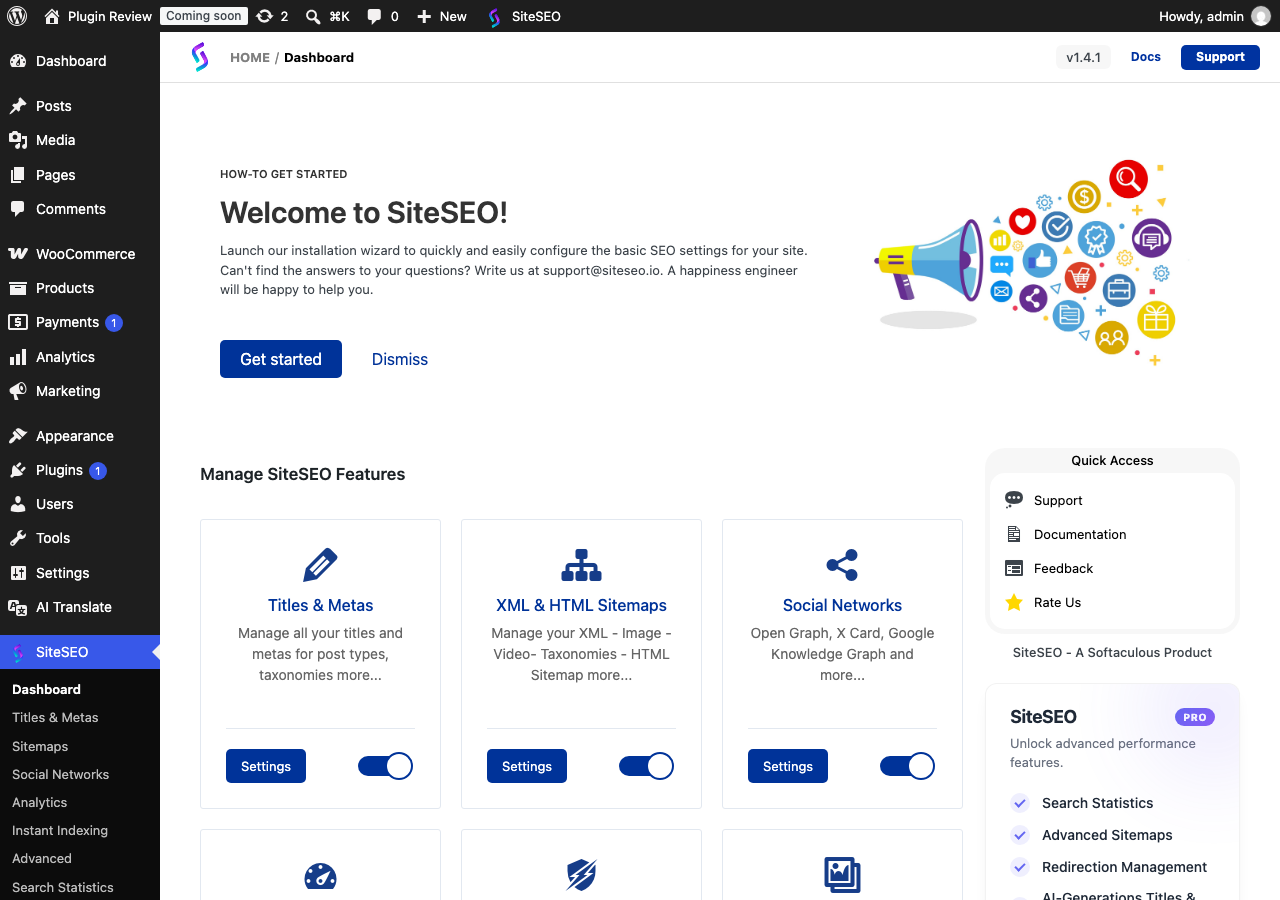
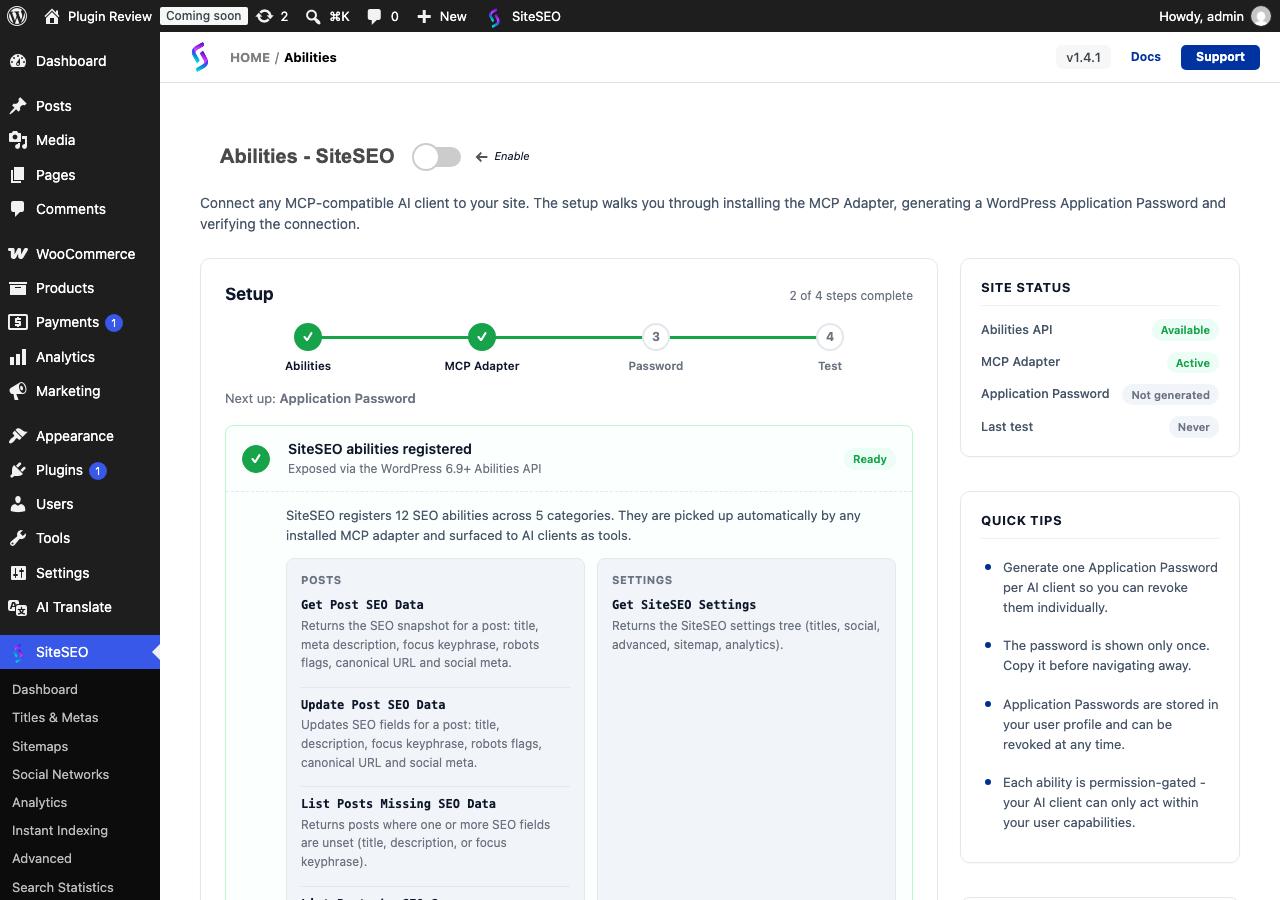
After Translation with Matically AI Translator
With Matically AI Translator, you can translate the SiteSEO – SEO Simplified admin panel into your language with just one click. All settings and messages will be displayed in your language, making it much easier to navigate.
Translate Now with Matically AI Translator
Translate SiteSEO – SEO Simplified into your language with one click. Try one plugin for free.
View Pricing