File Manager
Effortless File Management with WP File Manager
WP File Manager is a powerful and intuitive plugin designed for WordPress users who need a robust solution for managing their files and folders directly from the WordPress dashboard. With over 1,000,000 active installs, it has proven to be a reliable tool for website owners, developers, and content creators alike. This plugin simplifies the process of file management, allowing users to edit, delete, upload, download, copy, and paste files and folders without the need for FTP clients or complex server access.
Whether you're managing a personal blog, a business website, or an e-commerce platform, WP File Manager provides you with a user-friendly interface that makes file operations straightforward and efficient. Its seamless integration into the WordPress admin menu allows for quick access to all your files, making it an essential tool for anyone looking to streamline their website management tasks.
Key Features of WP File Manager
- User-Friendly Interface: Easily navigate and manage your files with an intuitive design.
- File Operations: Perform essential actions such as edit, delete, upload, download, copy, and paste files and folders.
- Multiple File Uploads: Upload multiple files simultaneously for increased efficiency.
- Drag and Drop Support: Quickly rearrange files and folders using drag-and-drop functionality.
- Archive and Extract Files: Create ZIP archives and extract them directly within the plugin.
- File Permissions: Manage permissions to control who can view or edit files.
- Responsive Design: Access your file manager seamlessly on any device.
- Integration with eFile: Easily connect with eFile for enhanced file management capabilities.
Installation Instructions
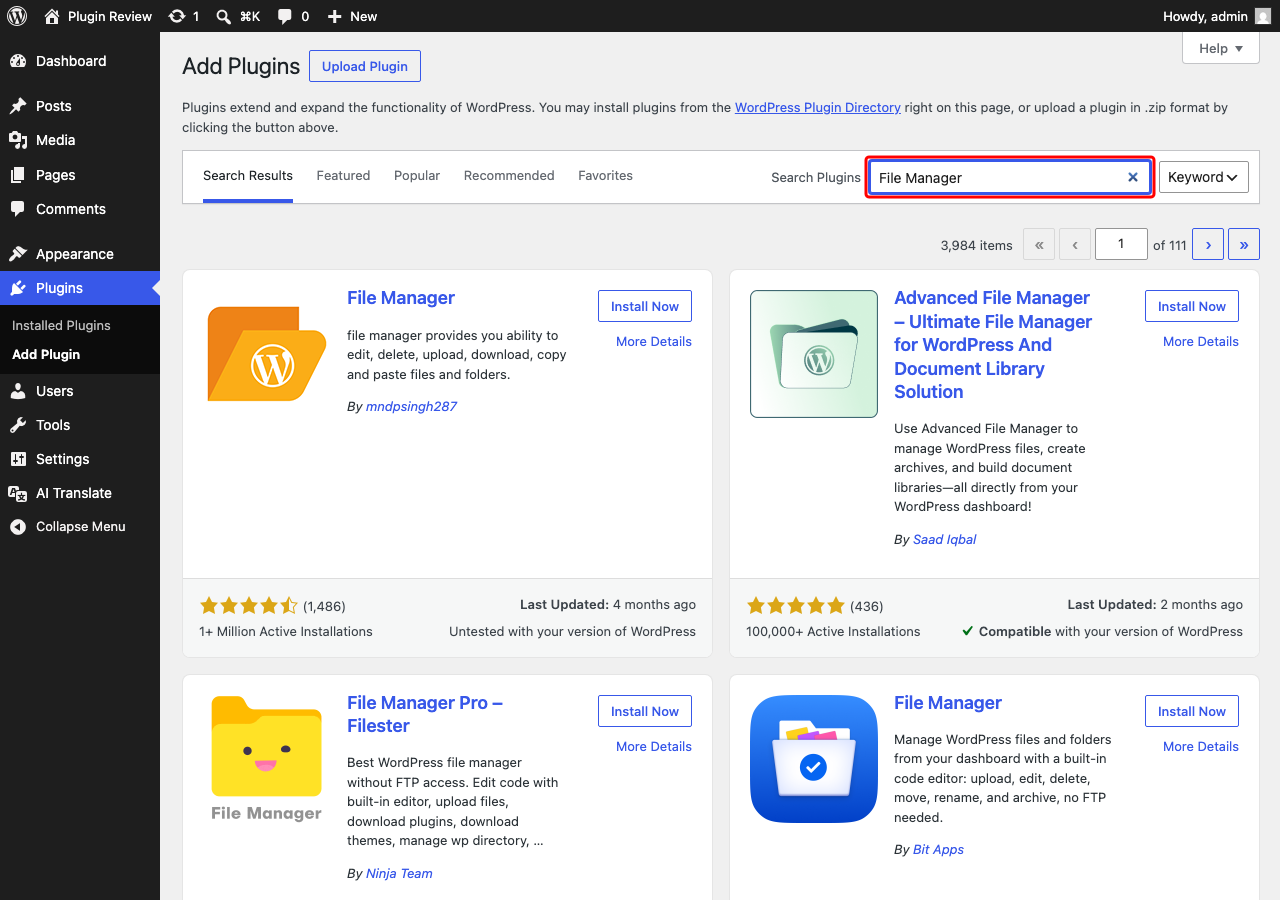
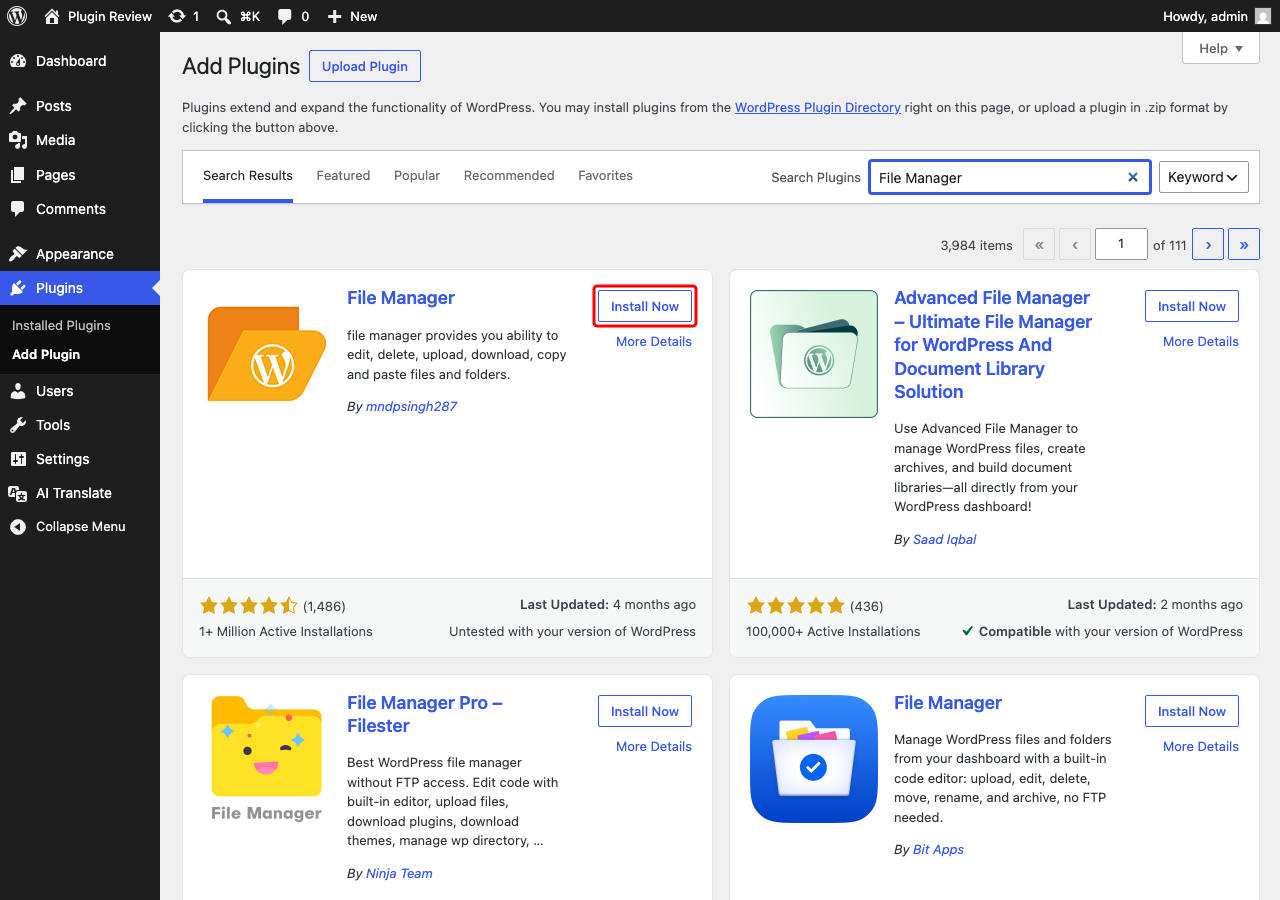
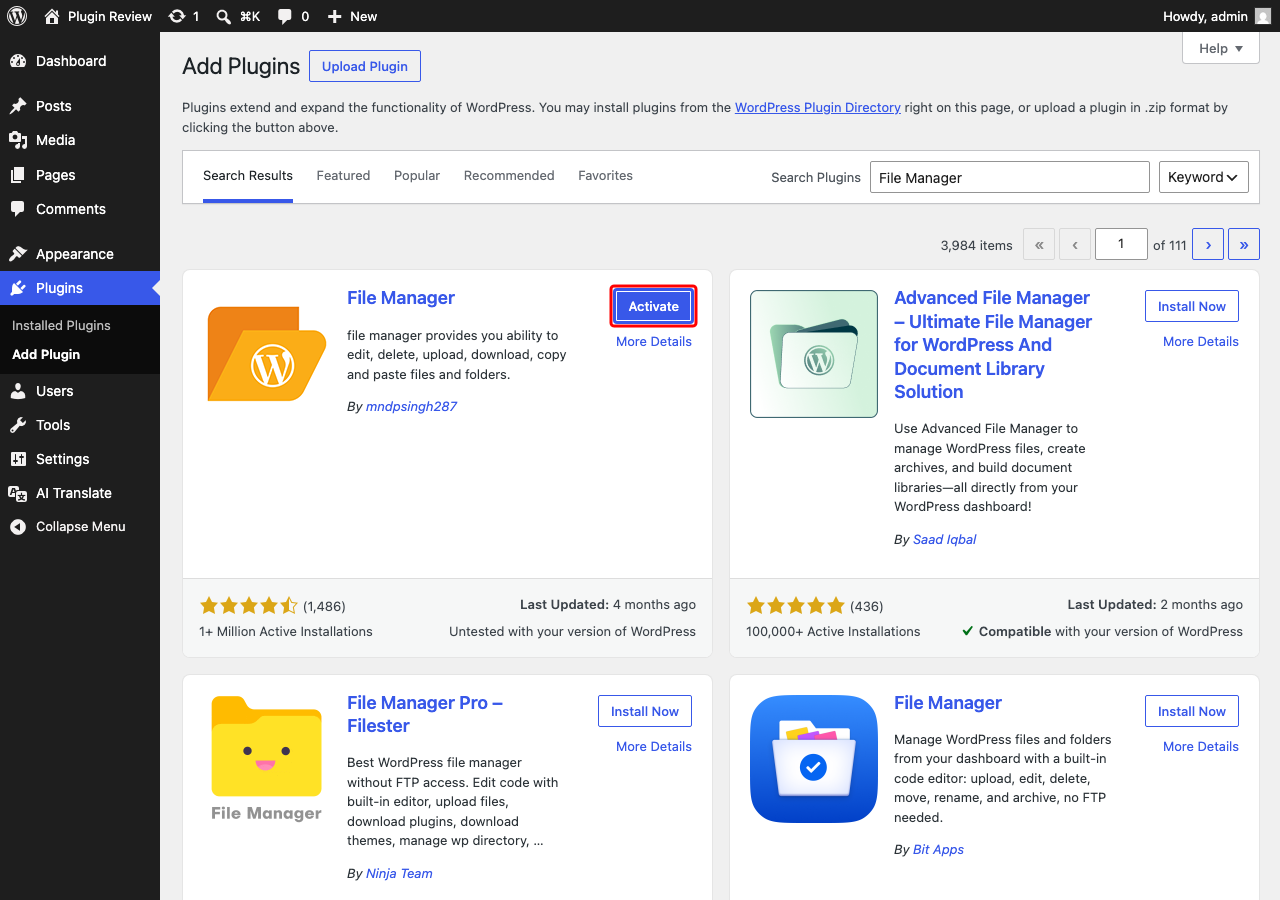
To install the WP File Manager plugin, follow these simple steps:
- Go to your WordPress admin panel.
- Navigate to Plugins → Add New.
- In the search bar, type "File Manager".
- Locate the WP File Manager plugin and click Install.
- After installation, click Activate.
Once activated, you will see the WP File Manager option in your admin menu, allowing you to start managing your files right away.
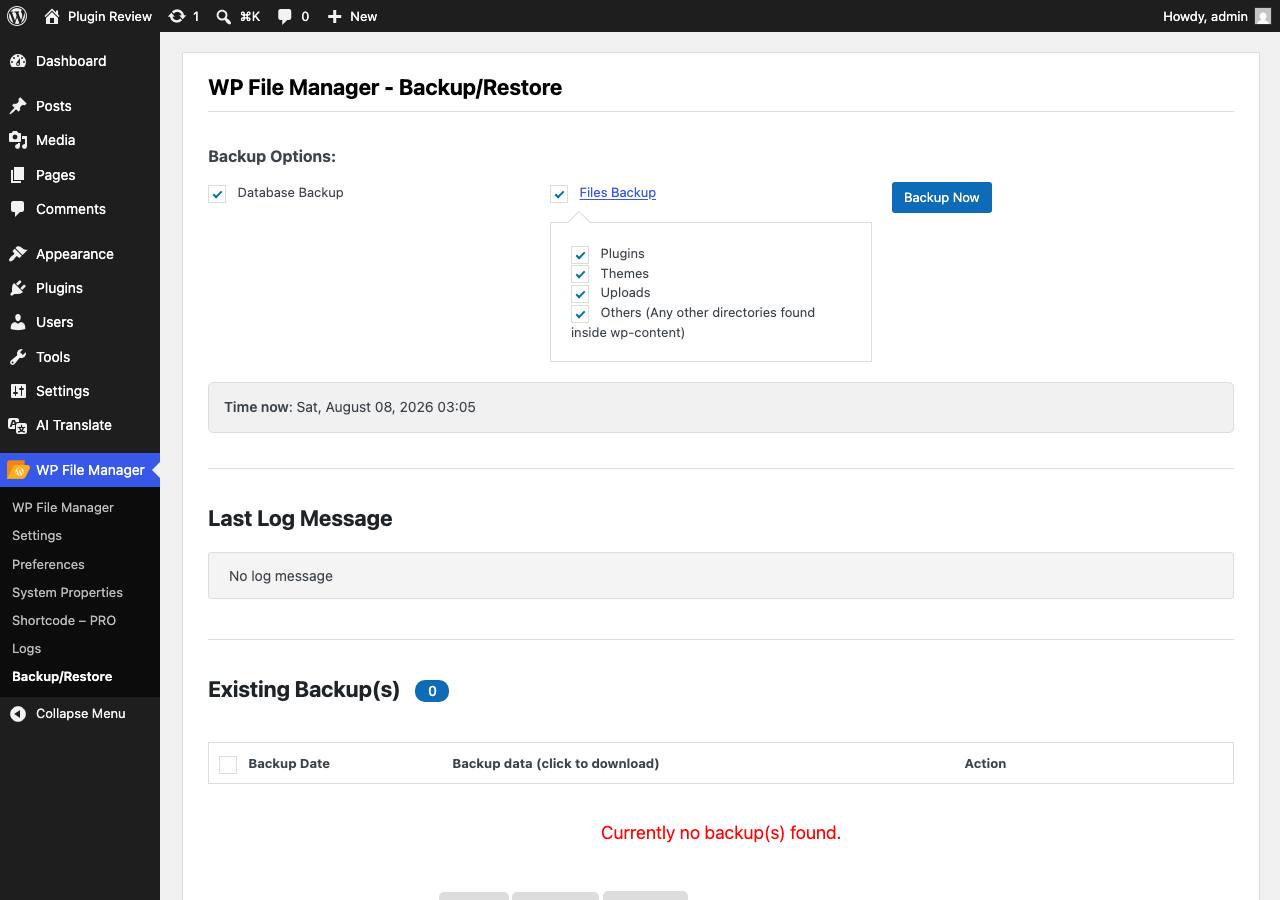
Admin Panel Before Translation
After installing File Manager, the admin interface is displayed in English by default.
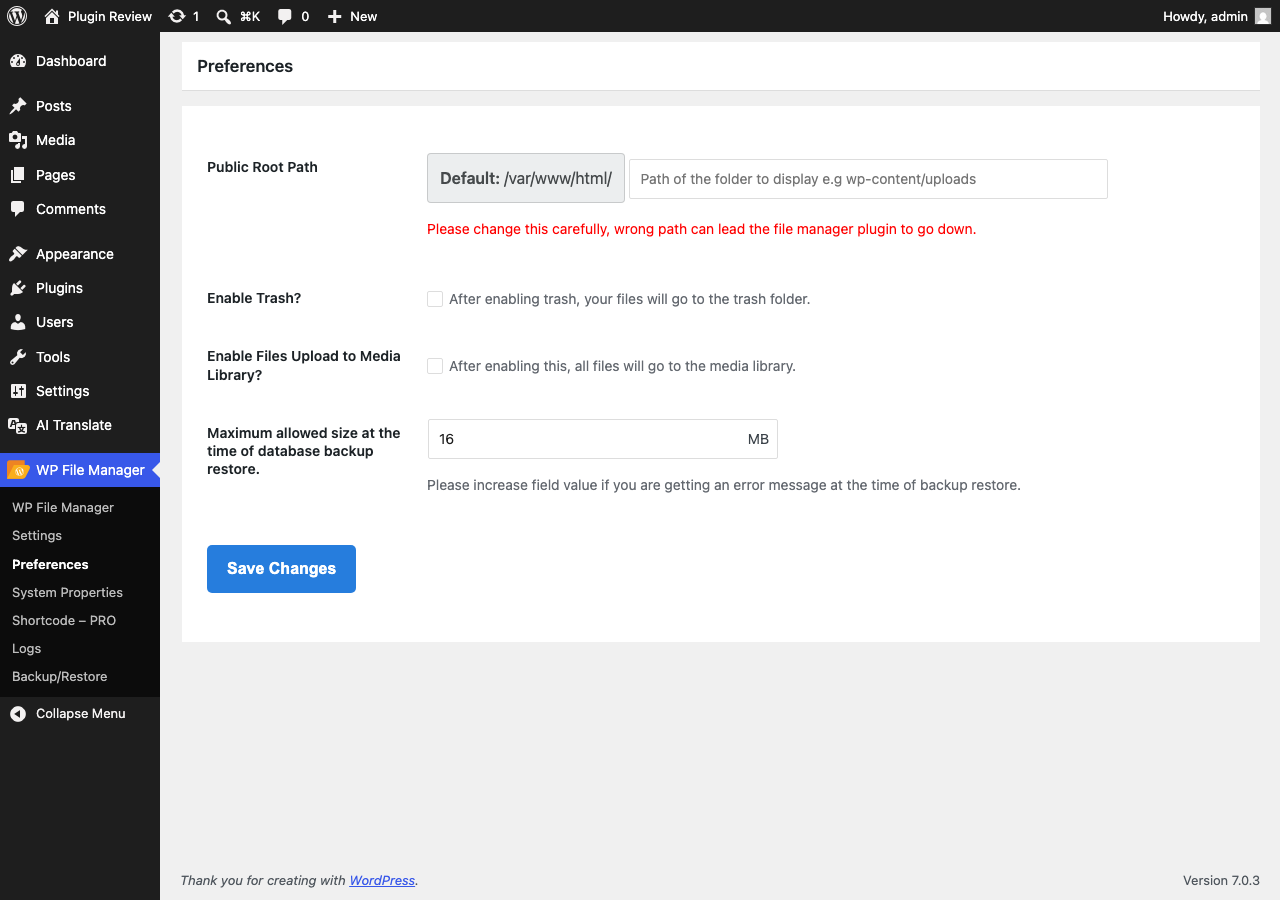
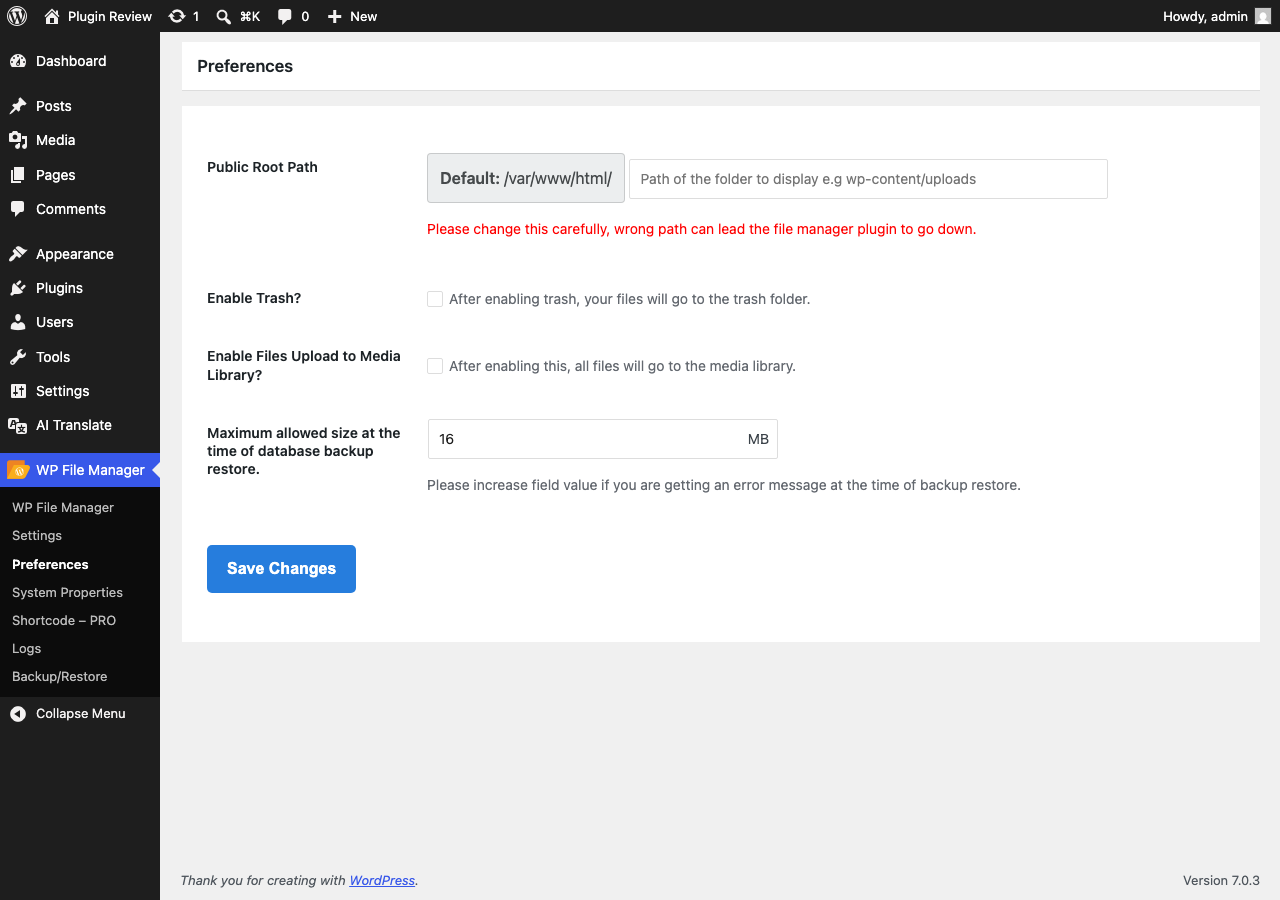
After Translation with Matically AI Translator
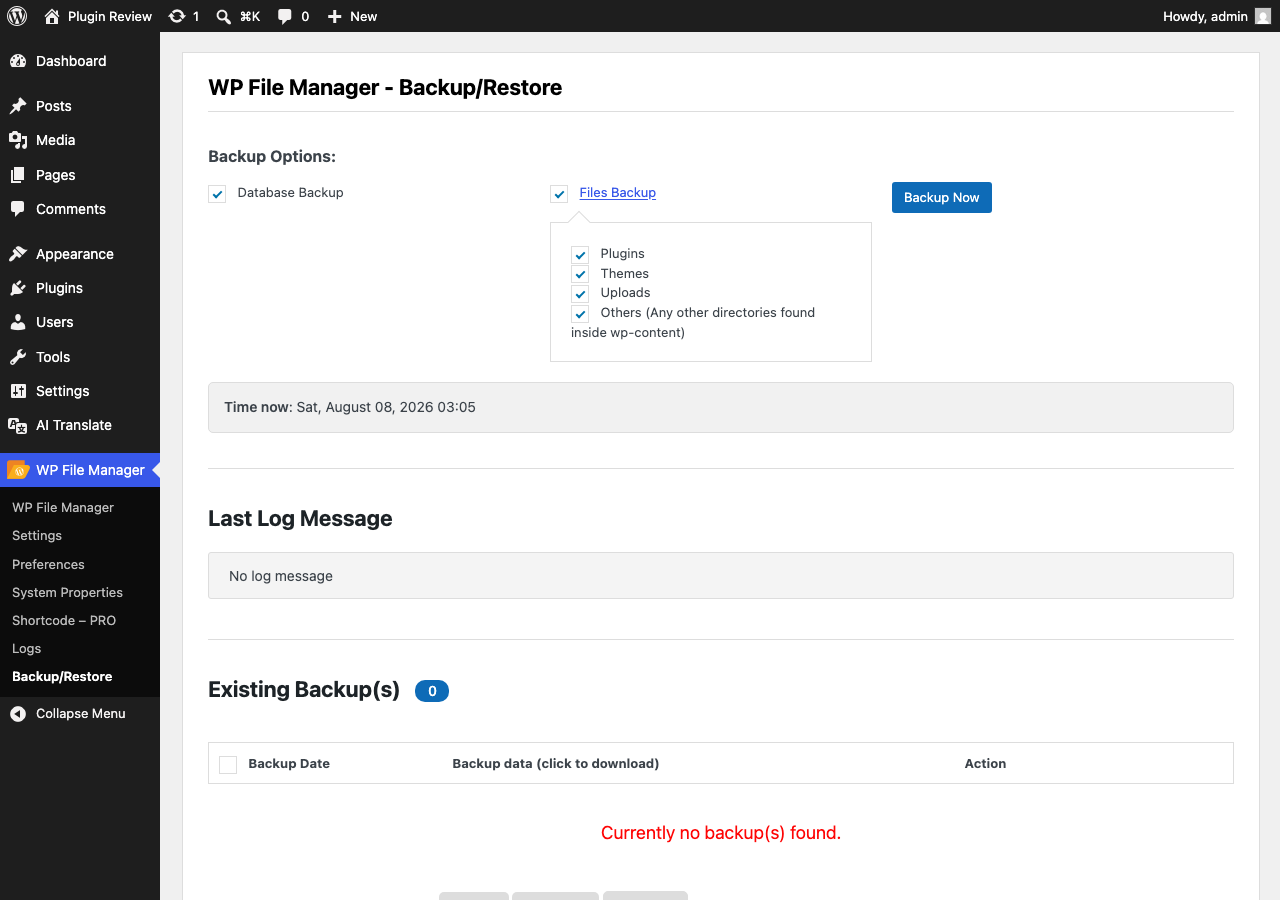
With Matically AI Translator, you can translate the File Manager admin panel into your language with just one click. All settings and messages will be displayed in your language, making it much easier to navigate.
Translate Now with Matically AI Translator
Translate File Manager into your language with one click. Try one plugin for free.
View Pricing