SpeedyCache – Cache, Optimization, Performance
Enhance Your WordPress Performance with SpeedyCache
SpeedyCache is a powerful caching solution designed specifically for WordPress users seeking to optimize their website's performance. With over 600,000 active installations, this plugin is trusted by a large community of website owners who want to enhance their site's speed and efficiency. By implementing advanced caching mechanisms, SpeedyCache minimizes load times, ensuring that your visitors enjoy a seamless browsing experience.
What sets SpeedyCache apart is its comprehensive suite of optimization features. It not only caches your content but also minifies CSS and JavaScript files, compressing them for faster delivery. This means that your website will not only load quicker but will also rank better on search engines, contributing to improved SEO performance. Whether you run a blog, an e-commerce site, or a corporate website, SpeedyCache brings the tools you need to boost your site's performance effectively.
Key Features of SpeedyCache
- Efficient Caching: Store frequently accessed data to minimize server requests and improve load times.
- Minification: Automatically minify CSS and JavaScript files to reduce their size without sacrificing functionality.
- Compression: Compress HTML, CSS, and JavaScript files to further enhance loading speed.
- CDN Integration: Seamlessly integrate with Content Delivery Networks to distribute your content globally for faster access.
- Performance Monitoring: Monitor your site's performance metrics to ensure optimal functioning.
- SEO Optimization: Enhance your site's visibility on search engines through improved loading speeds and reduced bounce rates.
- User-Friendly Interface: Simple and intuitive dashboard for easy setup and configuration.
Installation Instructions
To install SpeedyCache, follow these steps:
- Navigate to your WordPress admin panel.
- Go to Plugins → Add New.
- In the search bar, type "SpeedyCache – Cache, Optimization, Performance".
- Click on the Install button next to the plugin.
- After installation, click Activate.
Once activated, you will find SpeedyCache in your admin menu, where you can begin configuring the settings to optimize your site's performance.
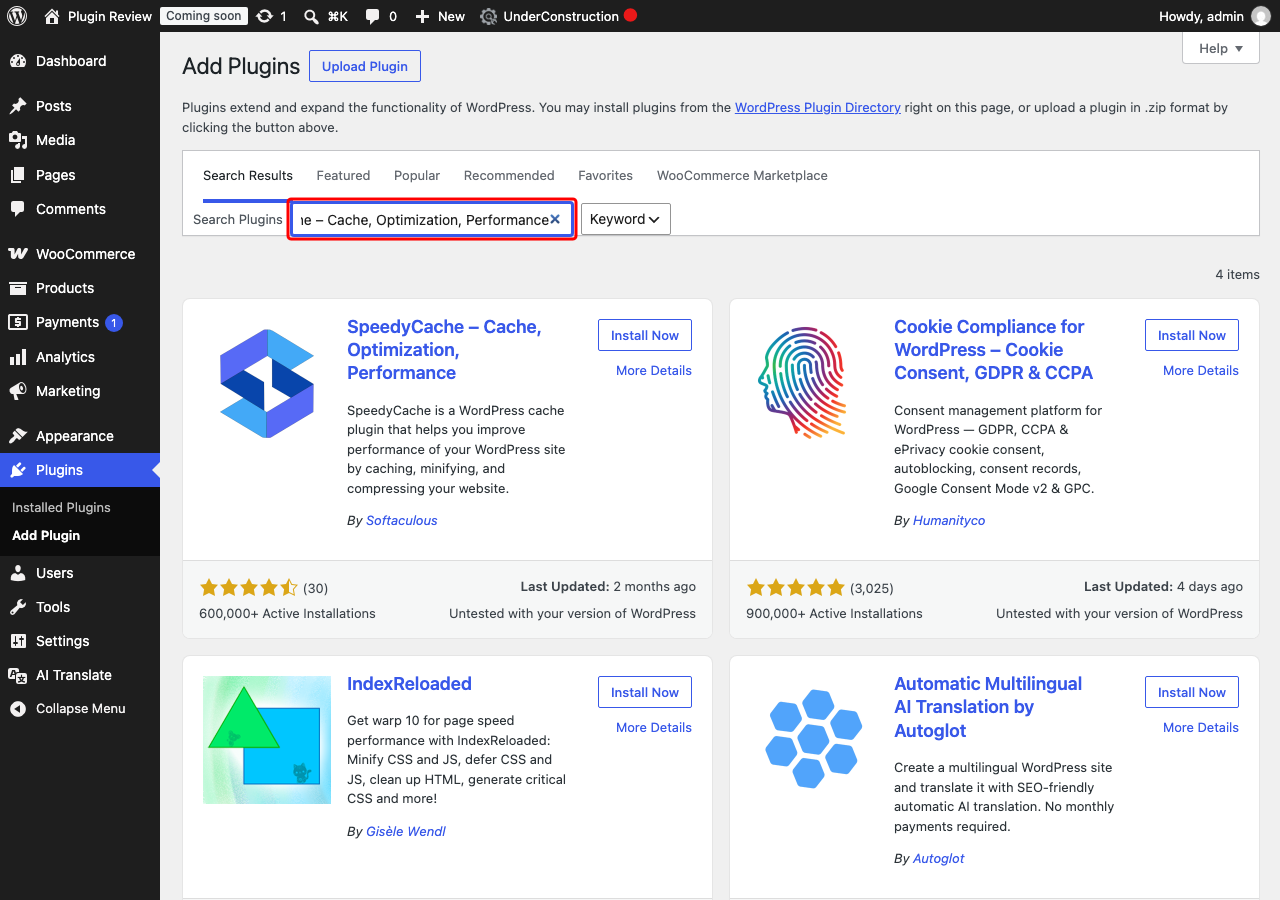
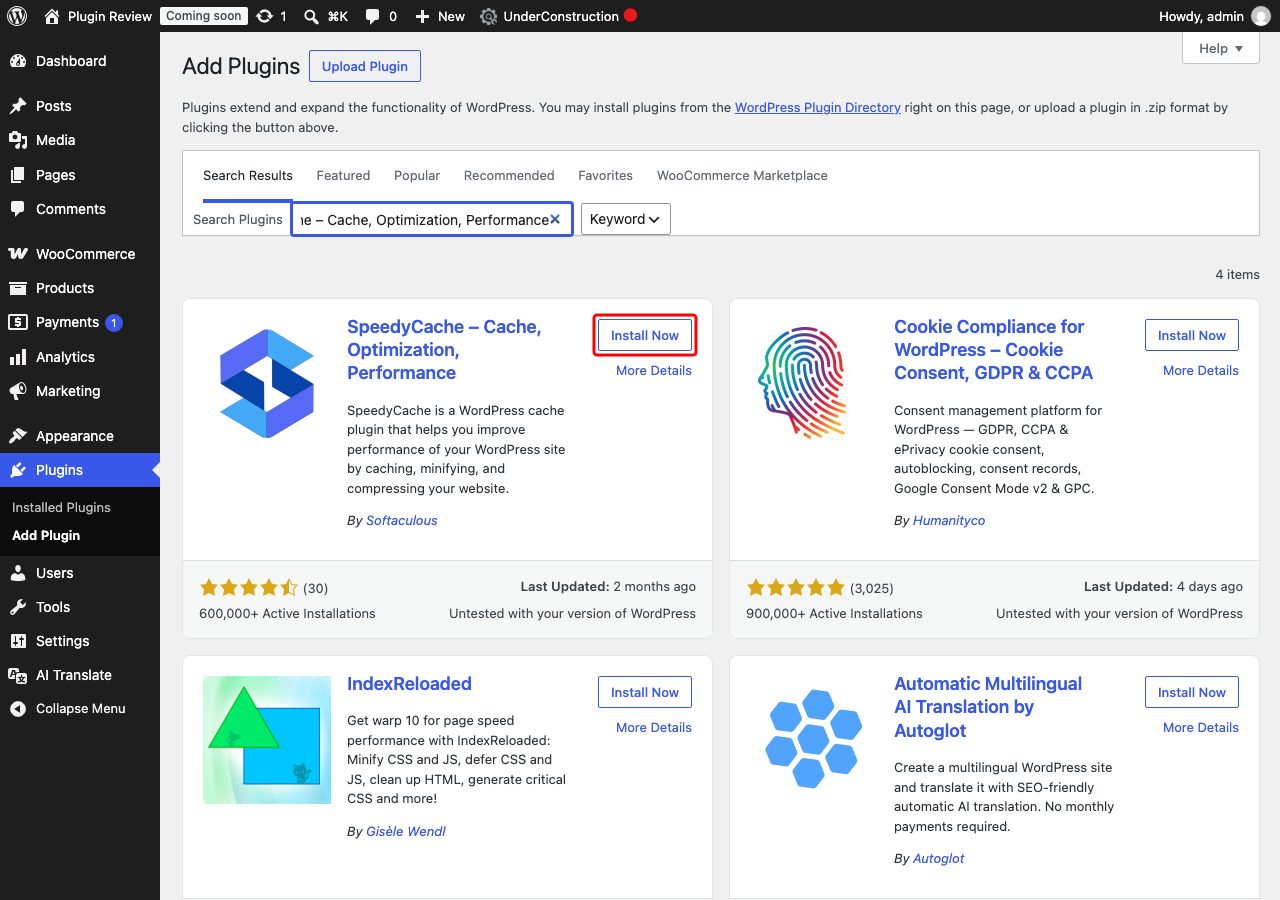
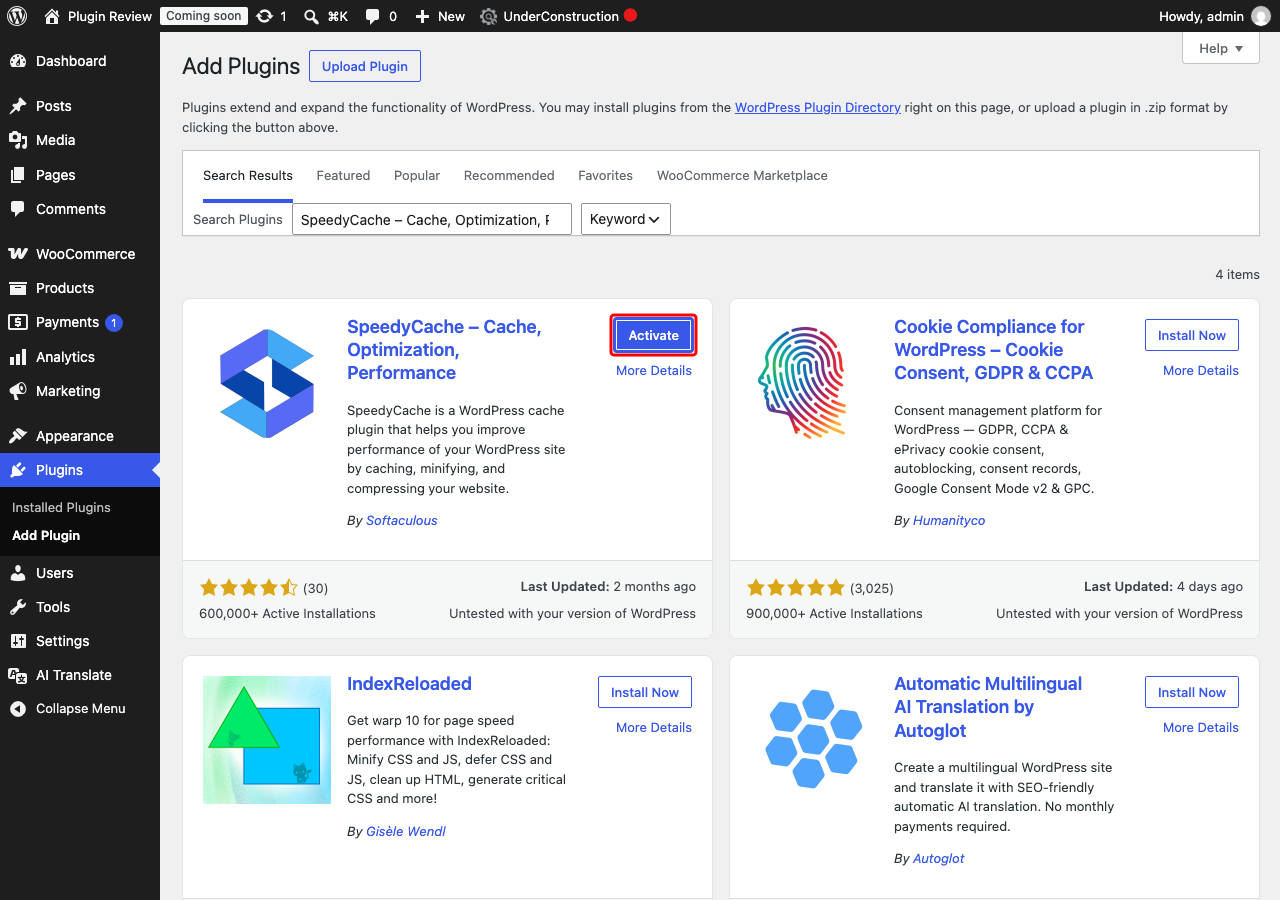
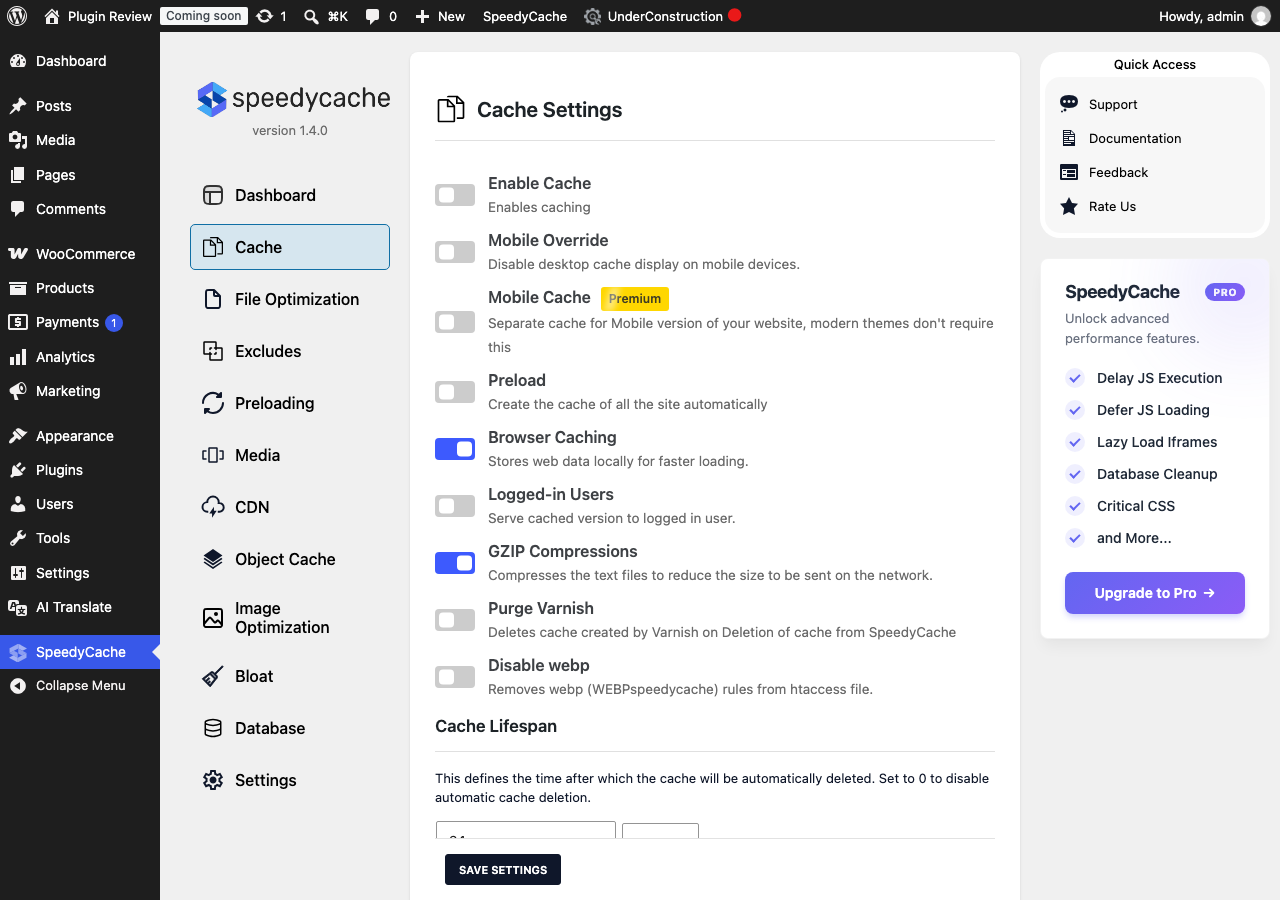
Admin Panel Before Translation
After installing SpeedyCache – Cache, Optimization, Performance, the admin interface is displayed in English by default.
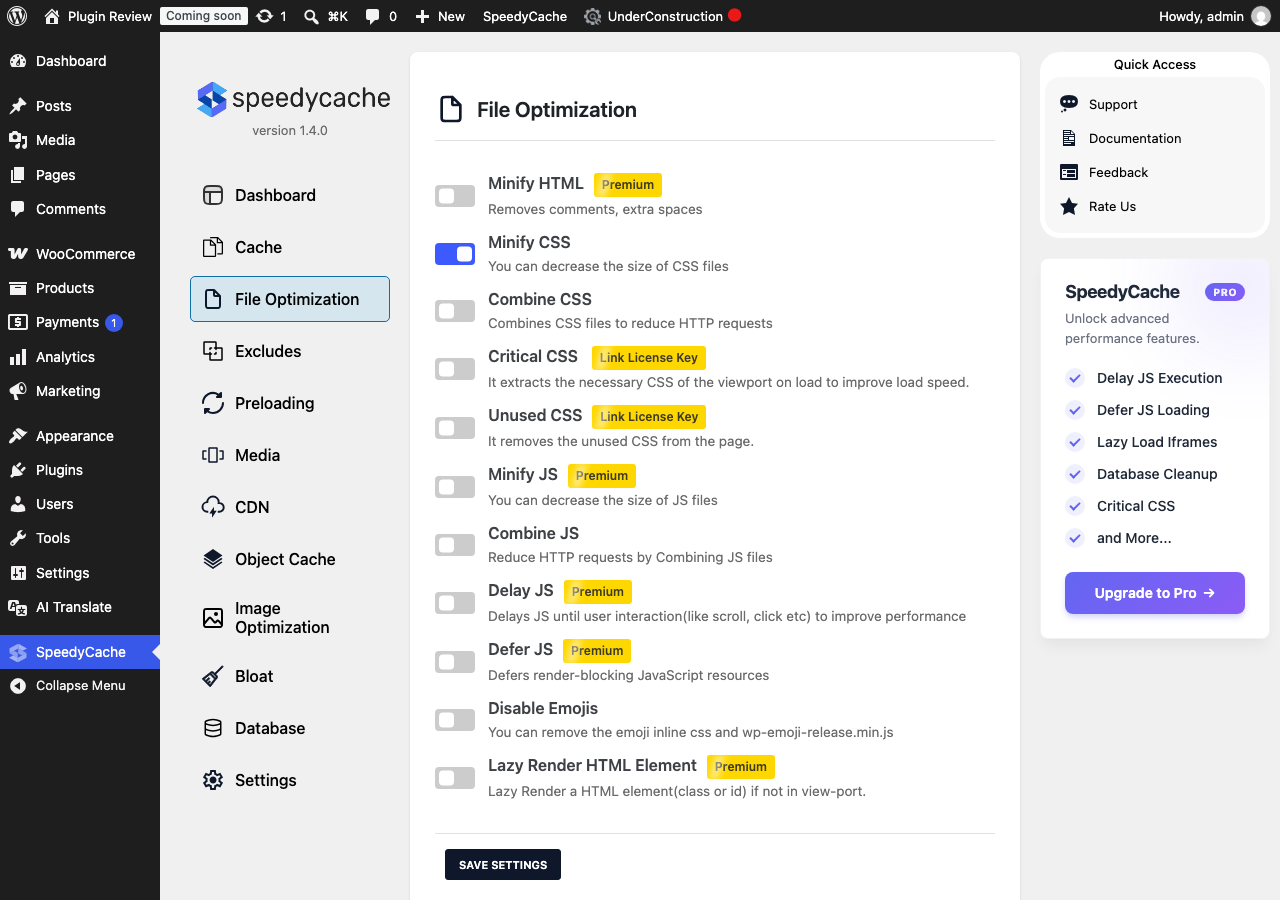
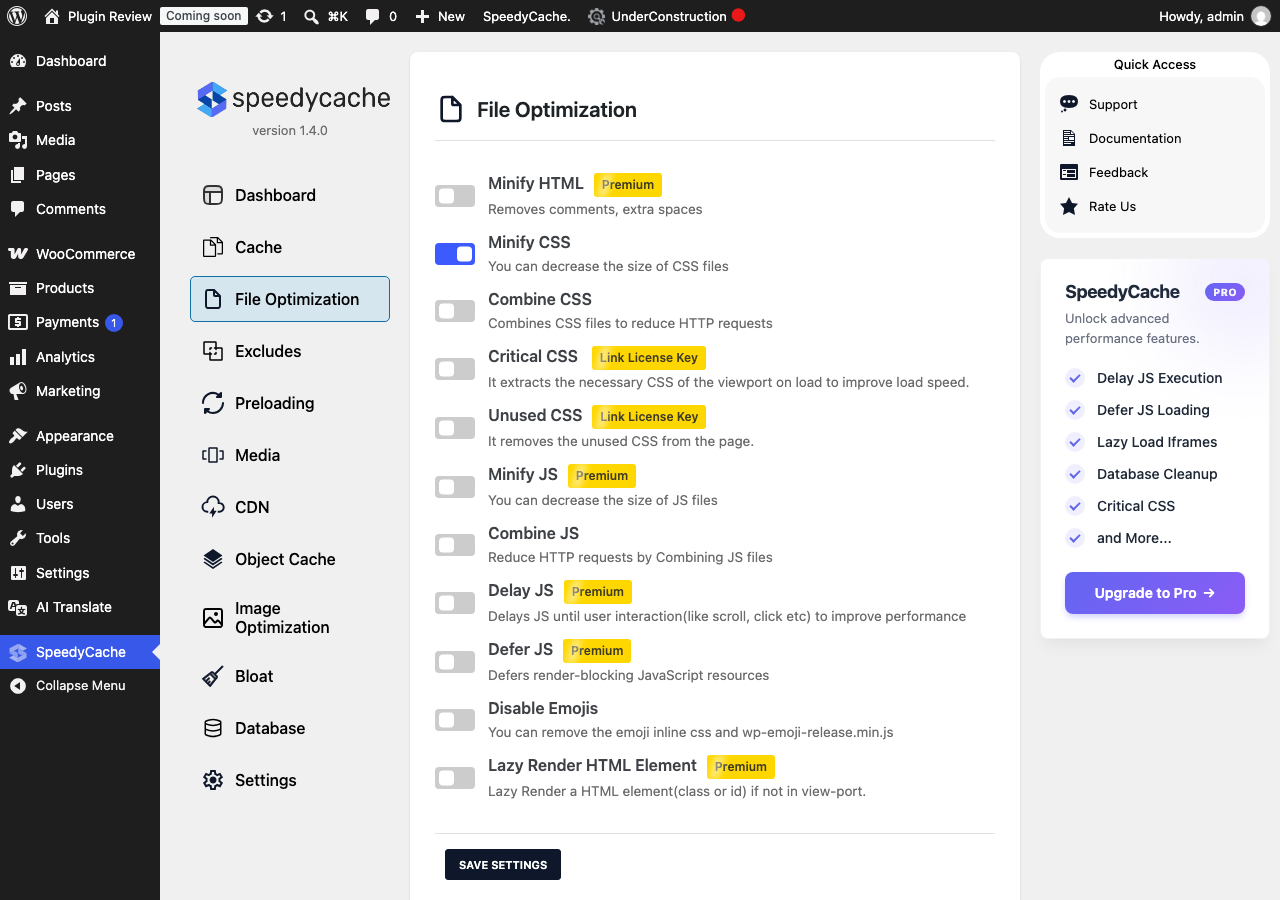
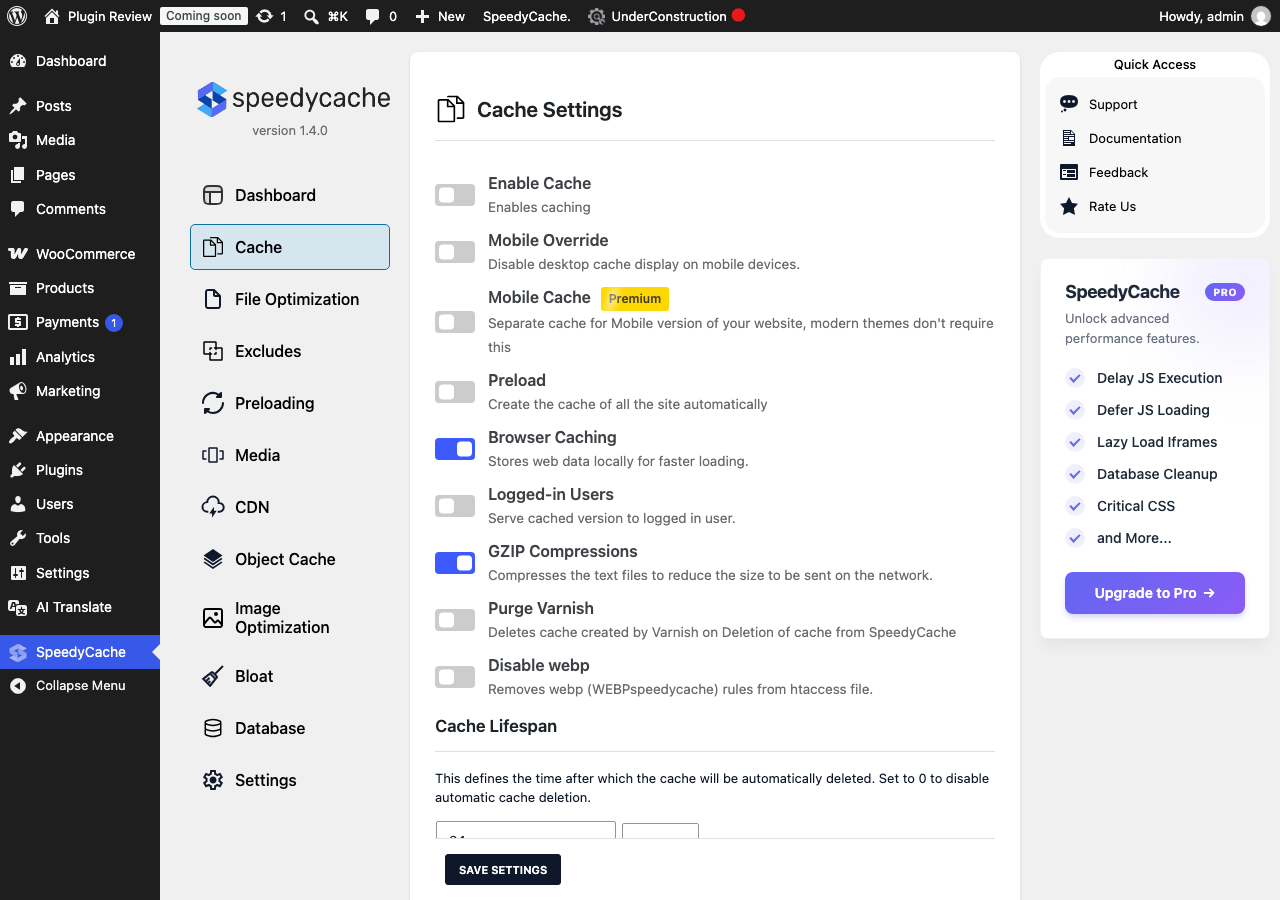
After Translation with Matically AI Translator
With Matically AI Translator, you can translate the SpeedyCache – Cache, Optimization, Performance admin panel into your language with just one click. All settings and messages will be displayed in your language, making it much easier to navigate.
Translate Now with Matically AI Translator
Translate SpeedyCache – Cache, Optimization, Performance into your language with one click. Try one plugin for free.
View Pricing