YITH WooCommerce Wishlist
Transform Your WooCommerce Store with YITH WooCommerce Wishlist
With over 400,000 active installations, YITH WooCommerce Wishlist is a powerful plugin designed to enhance the shopping experience on your WooCommerce store. By enabling customers to create and manage their personal wishlists, this plugin not only boosts user engagement but also encourages repeat visits and purchases. Whether you're running a small boutique or a large online store, the ability for users to save their favorite items can significantly increase conversion rates.
Compatible with WooCommerce 11.0.x, YITH WooCommerce Wishlist seamlessly integrates into your existing setup, allowing customers to easily add products to their wishlists directly from product pages. This feature is particularly valuable for businesses looking to personalize the shopping experience and keep customers coming back for those items they love, making it a must-have for any serious WooCommerce retailer.
Key Features of YITH WooCommerce Wishlist
- User-Friendly Interface: Intuitive design allows customers to add products to their wishlist with a single click.
- Customizable Wishlist Page: Easily modify the appearance of the wishlist to match your store's branding.
- Email Notifications: Customers can share their wishlists via email, making it perfect for gift-giving occasions.
- Shortcode Support: Use shortcodes to display wishlists anywhere on your site.
- Social Media Sharing: Allow customers to share their wishlists on social media platforms, increasing your store's visibility.
- Multiple Wishlists: Users can create and manage multiple wishlists, catering to different occasions or preferences.
- Compatibility: Fully compatible with the latest WooCommerce versions, ensuring smooth operation.
Installation Instructions
To install YITH WooCommerce Wishlist, follow these simple steps:
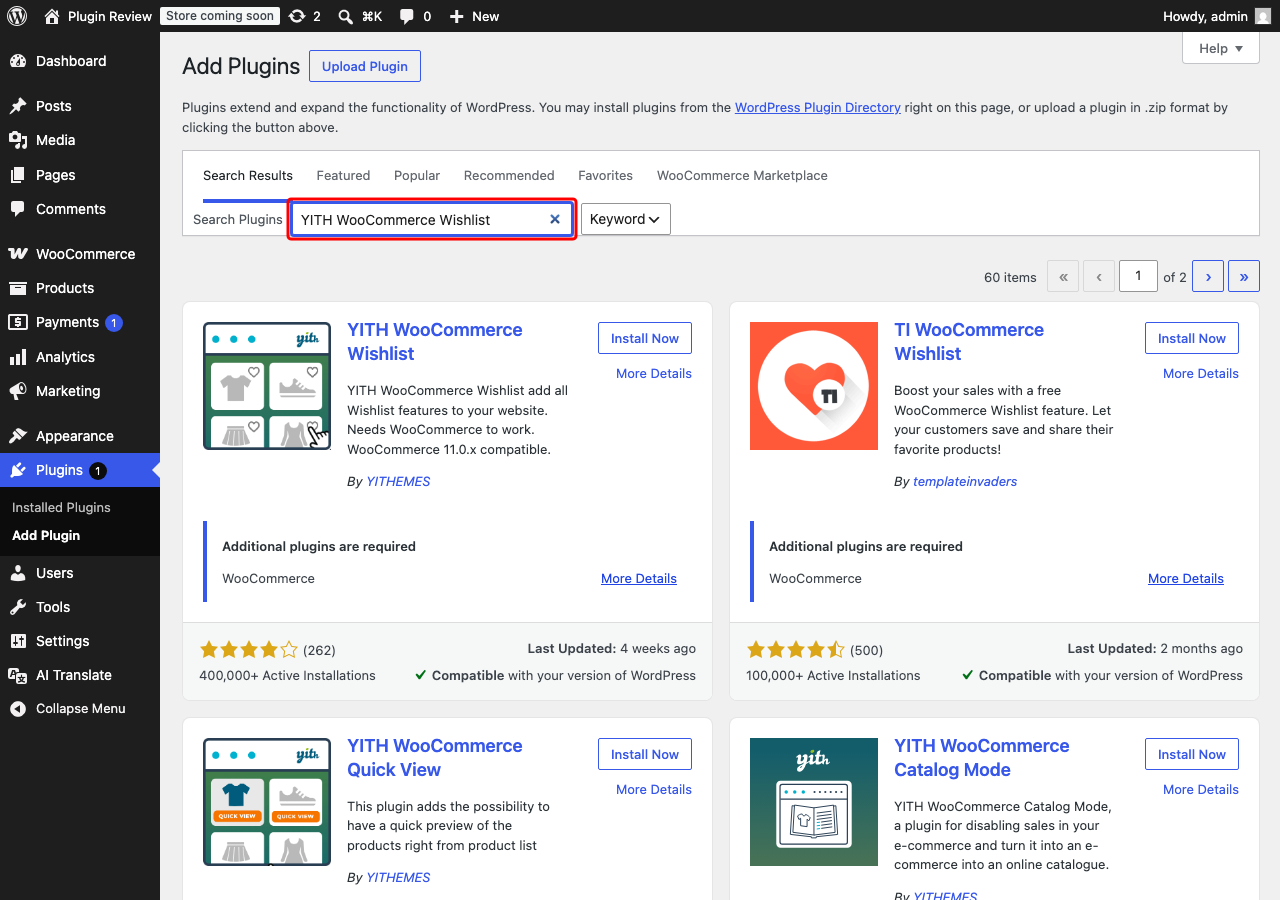
- In your WordPress admin panel, go to Plugins > Add New.
- Search for YITH WooCommerce Wishlist.
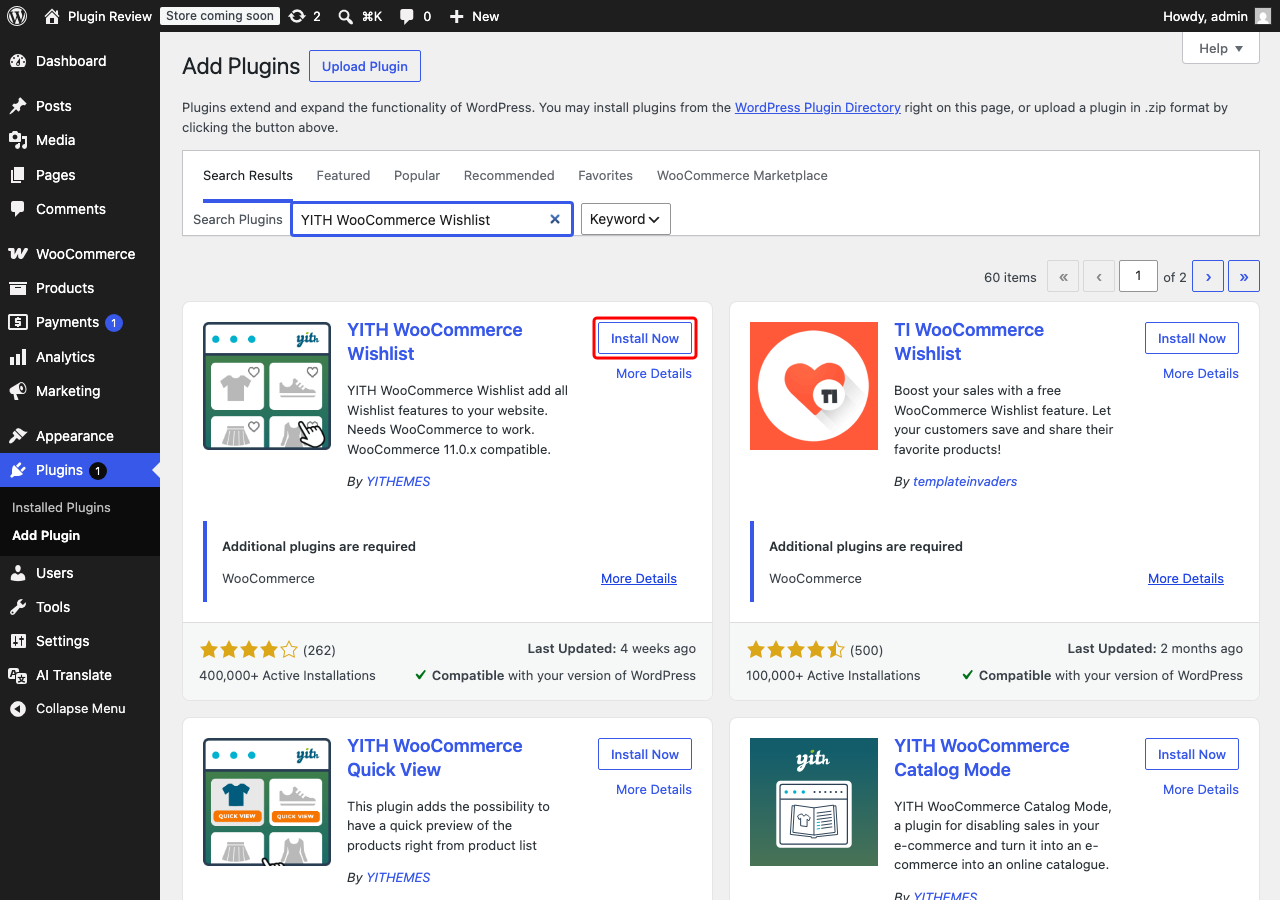
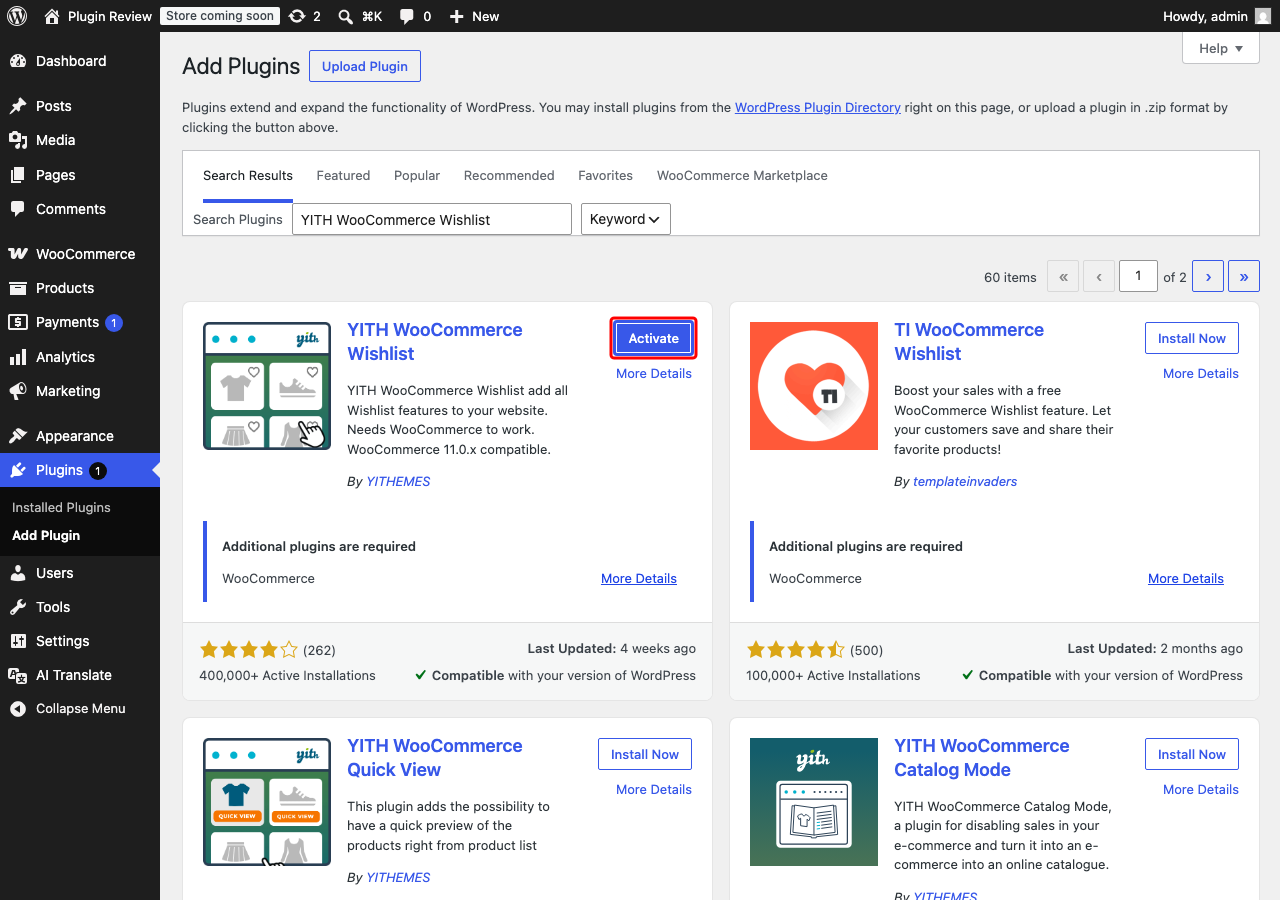
- Click Install Now and then Activate.
Once activated, you will find a new 'Wishlist' option in your admin menu, allowing you to configure the plugin settings and customize it to your liking.
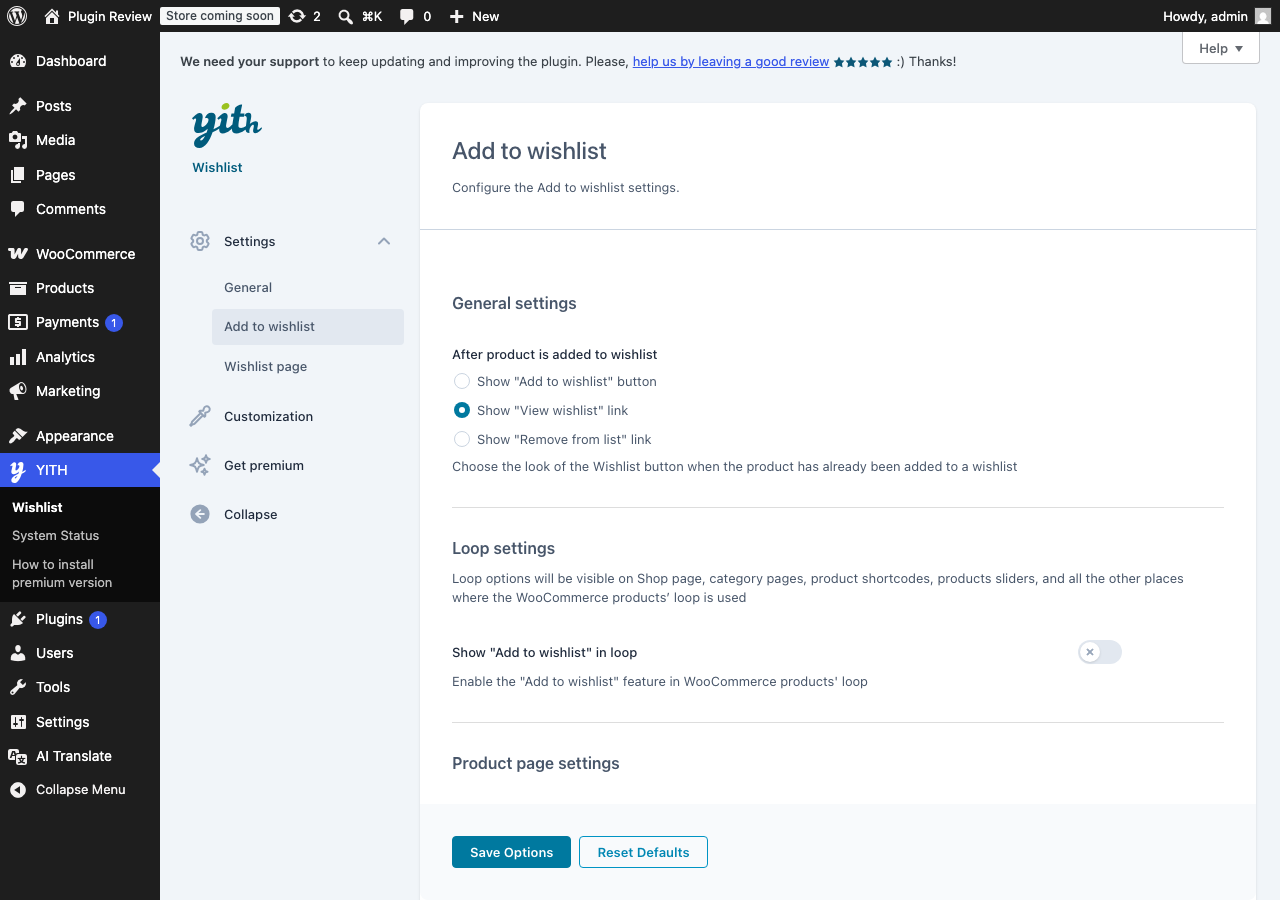
Admin Panel Before Translation
After installing YITH WooCommerce Wishlist, the admin interface is displayed in English by default.
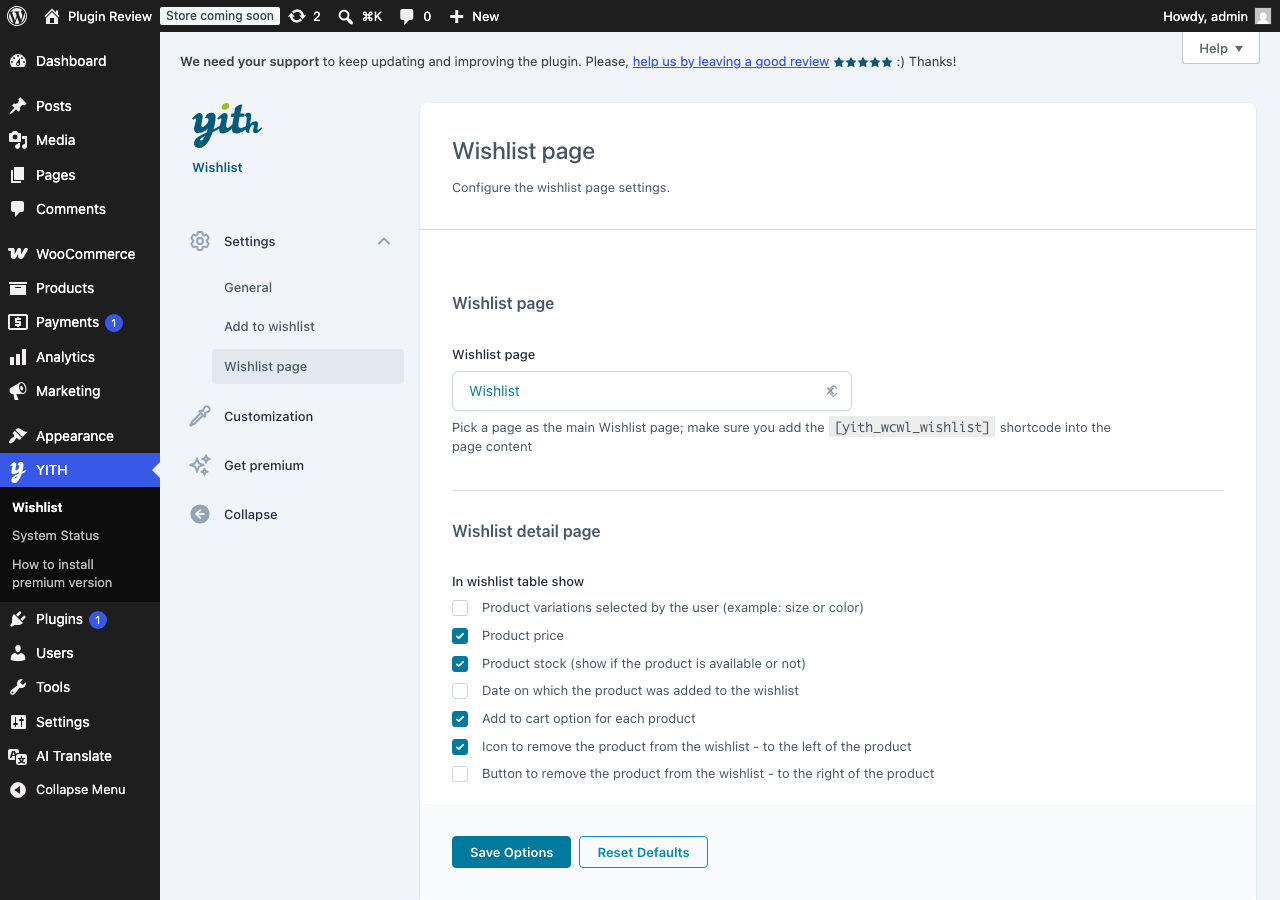
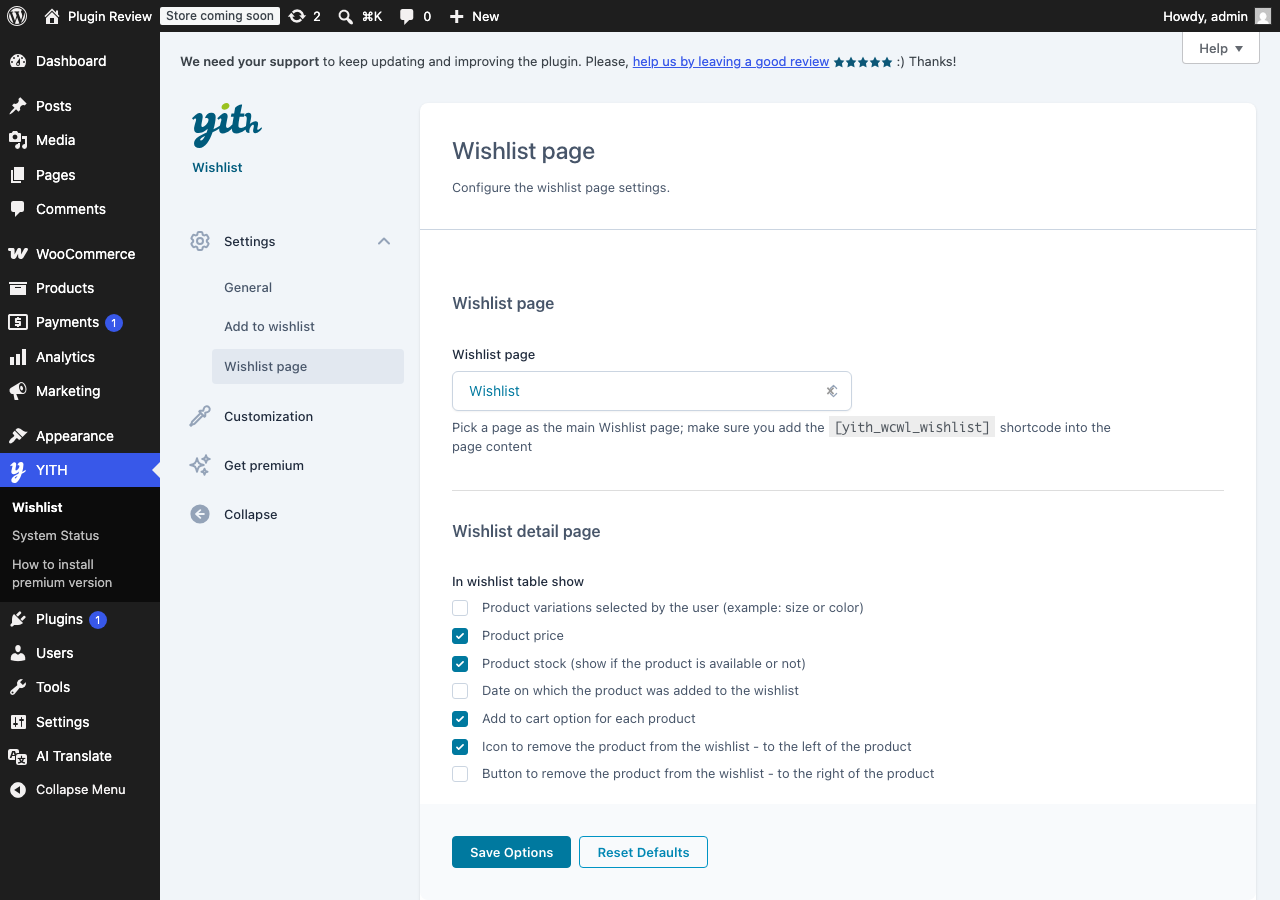
After Translation with Matically AI Translator
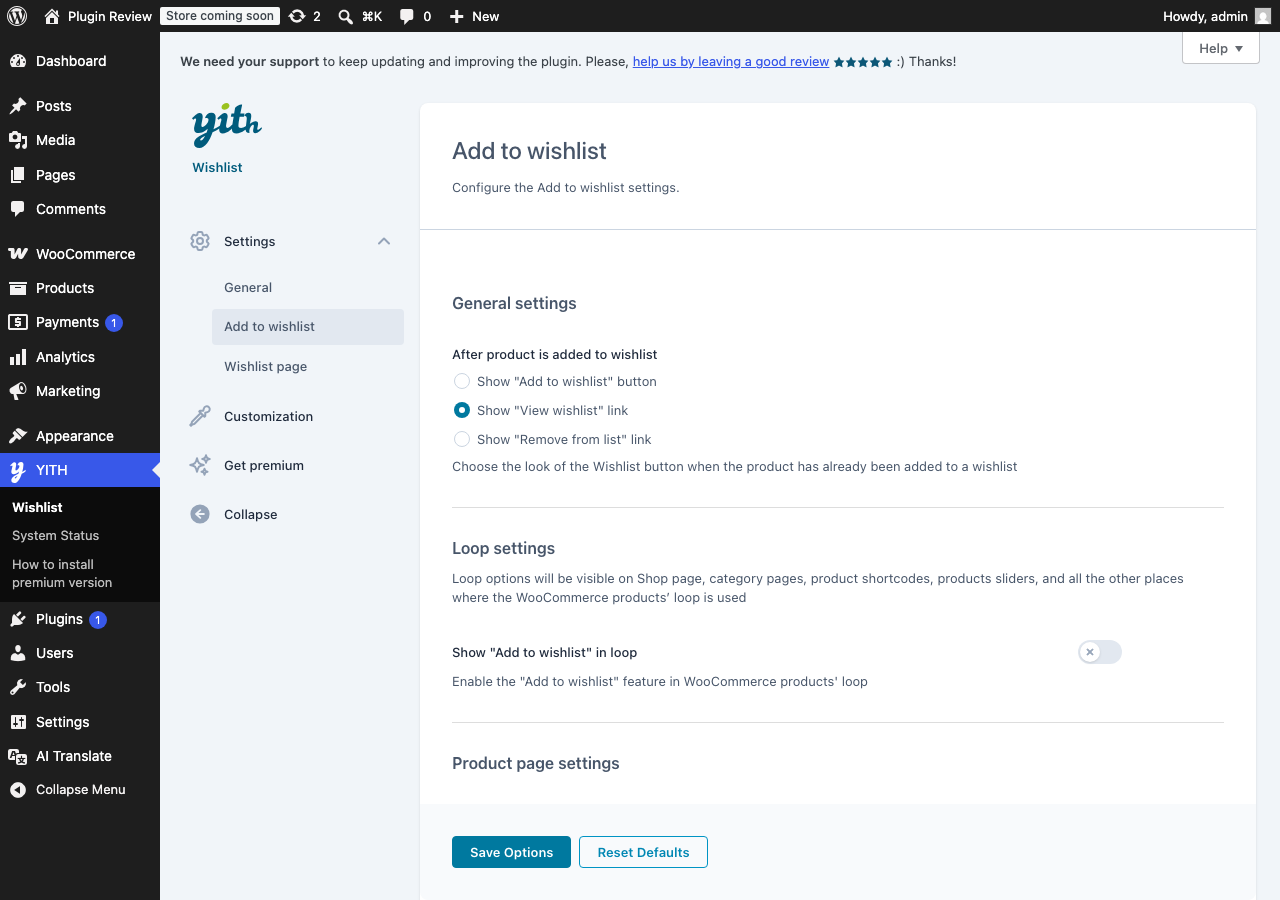
With Matically AI Translator, you can translate the YITH WooCommerce Wishlist admin panel into your language with just one click. All settings and messages will be displayed in your language, making it much easier to navigate.
Translate Now with Matically AI Translator
Translate YITH WooCommerce Wishlist into your language with one click. Try one plugin for free.
View Pricing